
How to plan ahead
The 📅 Plan ahead section lets you lay out which crops and operations you intend to run on each field for a coming season, and view that plan on the map.
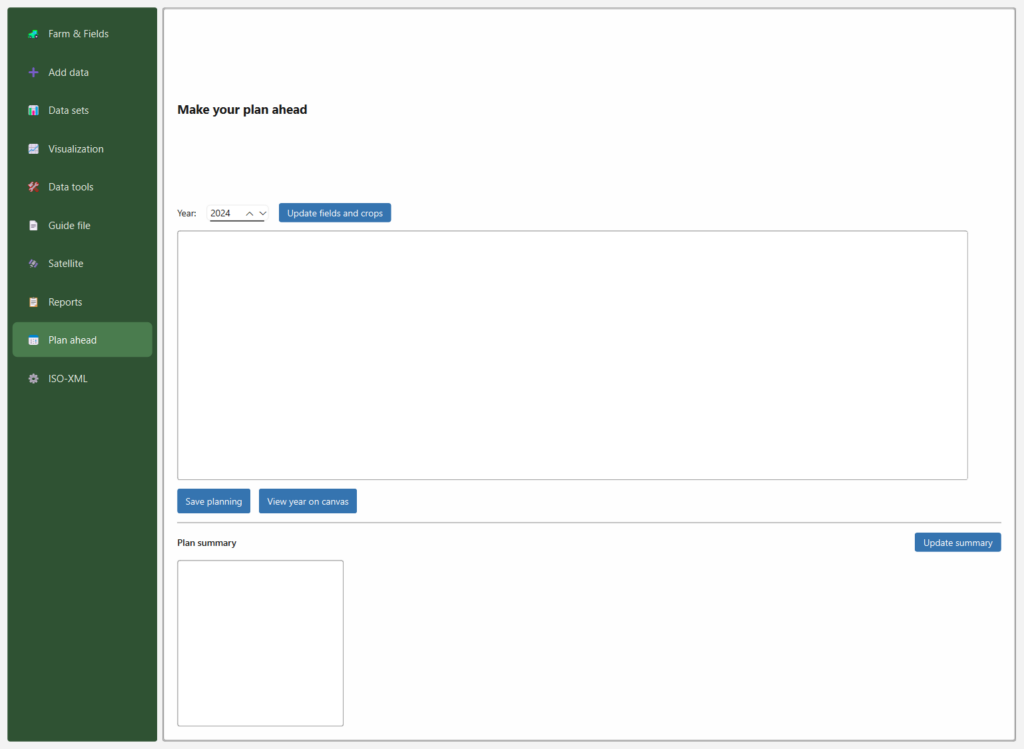
Steps
- Year — choose the season you’re planning for.
- Update fields and crops — loads your current fields and crops into the planning table.
- Fill in the plan — in the table, set the planned crop / operations for each field.
- Save planning — stores the plan in your farm database.
- View year on canvas — draws the planned year on the QGIS map so you can see the layout spatially.
Plan summary
The Plan summary box gives an overview of the saved plan. Press Update summary to refresh it after making changes.
Notes
- Add your fields (Farm & Fields → Your fields) and crops (Farm & Fields → Your crops) first, then press Update fields and crops so they appear in the table.
- Planning data is stored per year, so you can keep plans for several seasons side by side.